

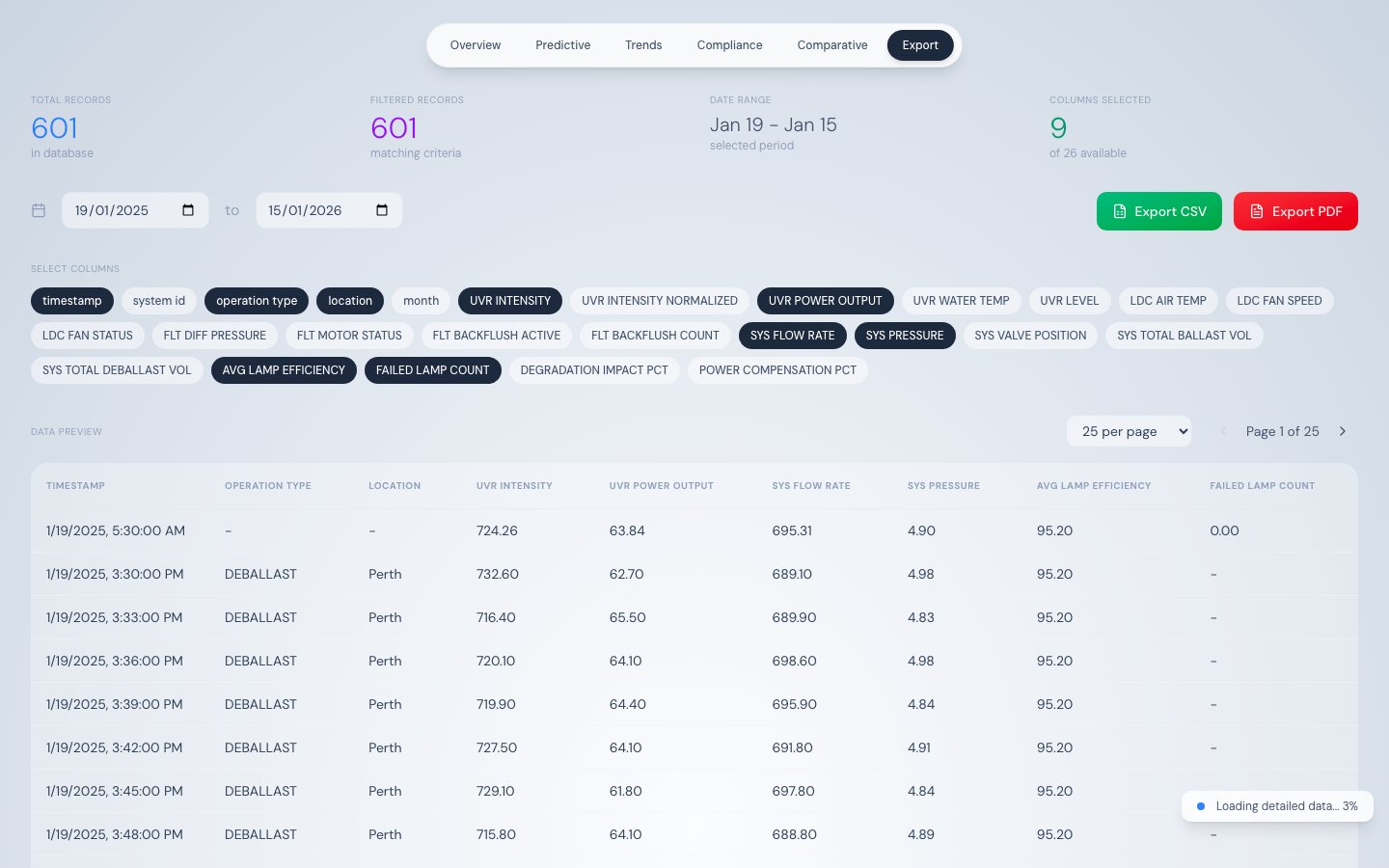
Data Export — column selector and Excel-style filters
What this tab does
The Data Export tab loads the full telemetry dataset and provides a spreadsheet-like interface to filter, preview, and export records as CSV or PDF. It is the primary tool for extracting compliance evidence and operational reports.How data loads
This tab always loads the maximum dataset:- Stage 1 — Fetches one year of daily aggregated data for an instant initial table view
- Stage 2 — Streams raw 500-record chunks until all records are loaded
Column selector
Toggle buttons at the top of the tab control which columns appear in the table and are included in exports. Default selection:timestamp, operation_type, location, UVR_INTENSITY, UVR_POWER_OUTPUT, SYS_FLOW_RATE, SYS_PRESSURE, AVG_LAMP_EFFICIENCY, FAILED_LAMP_COUNT
All 26 exportable columns
Column filters (Excel-style)
Hover any column header to reveal a filter funnel icon. Click it to open a filter panel: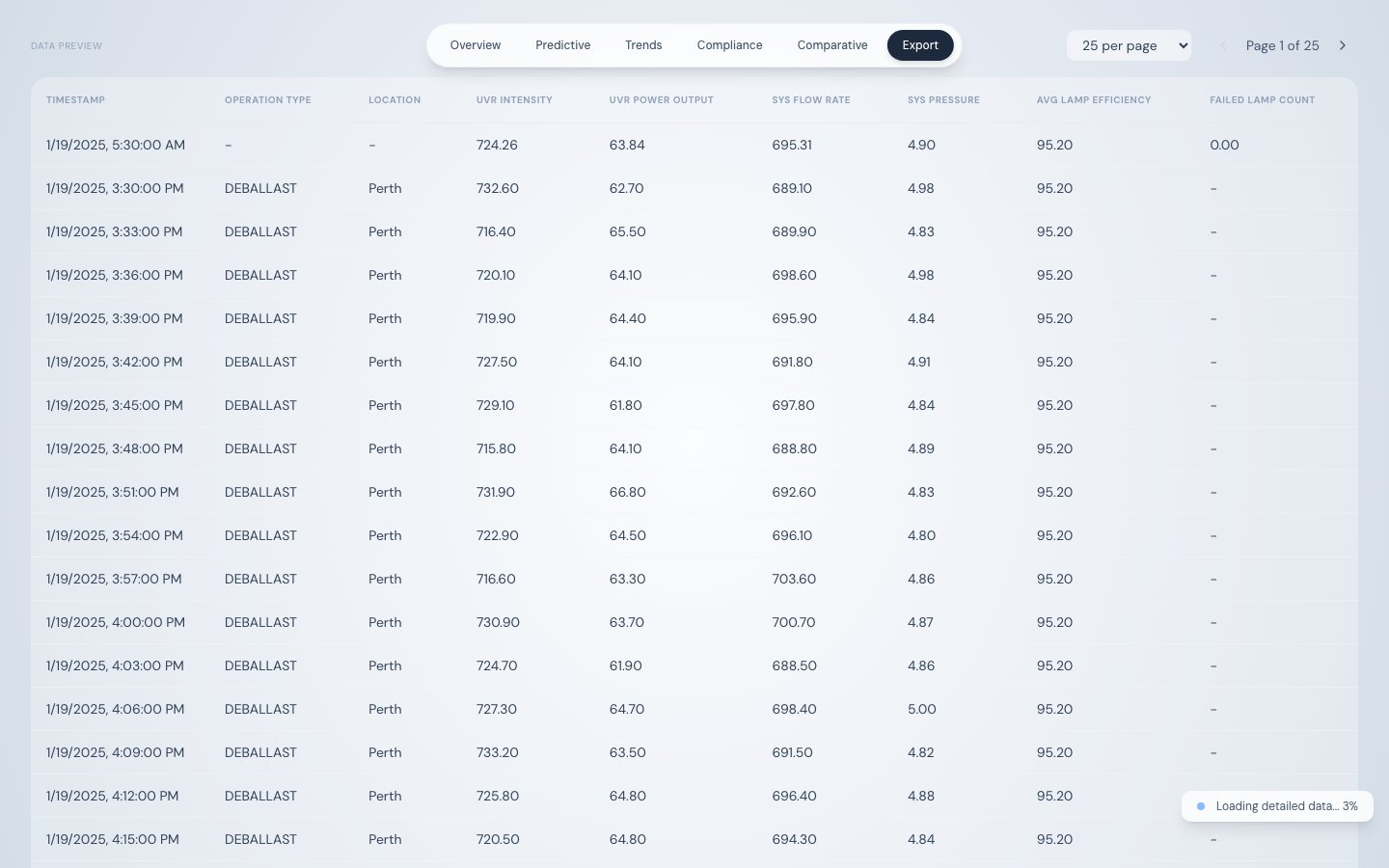
Export options — CSV and PDF download buttons
Active filters appear as removable chips above the table. Multiple filters combine with AND logic.
Data table
Paginated preview with configurable rows per page (25, 50, or 100). The table shows only selected columns with active filters applied. The record count above the table updates to reflect the filtered row count.Exporting data
The PDF includes a header with: report title, generation timestamp, selected date range, and total record count.