

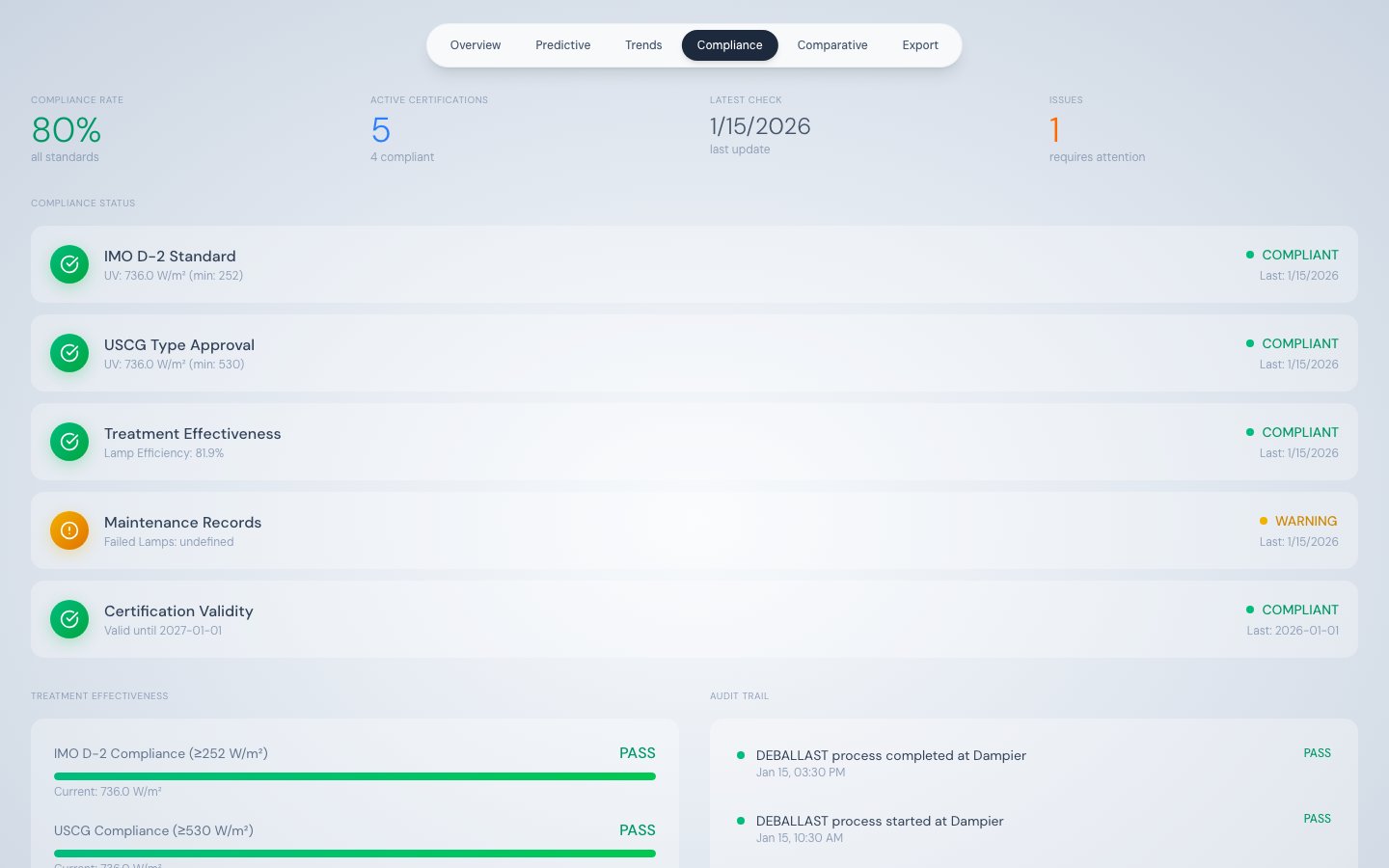
Compliance Monitoring — five live regulatory checks with status indicators
What this tab shows
The Compliance tab performs real-time checks against two international regulations — IMO D-2 and USCG — using the most recent telemetry record. It also tracks treatment effectiveness, maintenance record status, and certification validity in one consolidated view. Data sources:/api/telemetry/latest— for all live compliance values/api/events?limit=20— for the audit trail
Summary stat row
The five compliance items
Status indicators
Treatment Effectiveness panel
Three horizontal progress bars show how far current values are from their compliance thresholds:
Each bar shows the actual numeric value below it. Use these bars to monitor proximity to threshold limits — a bar at 80% of fill means there is a 20% margin before non-compliance.
Audit Trail
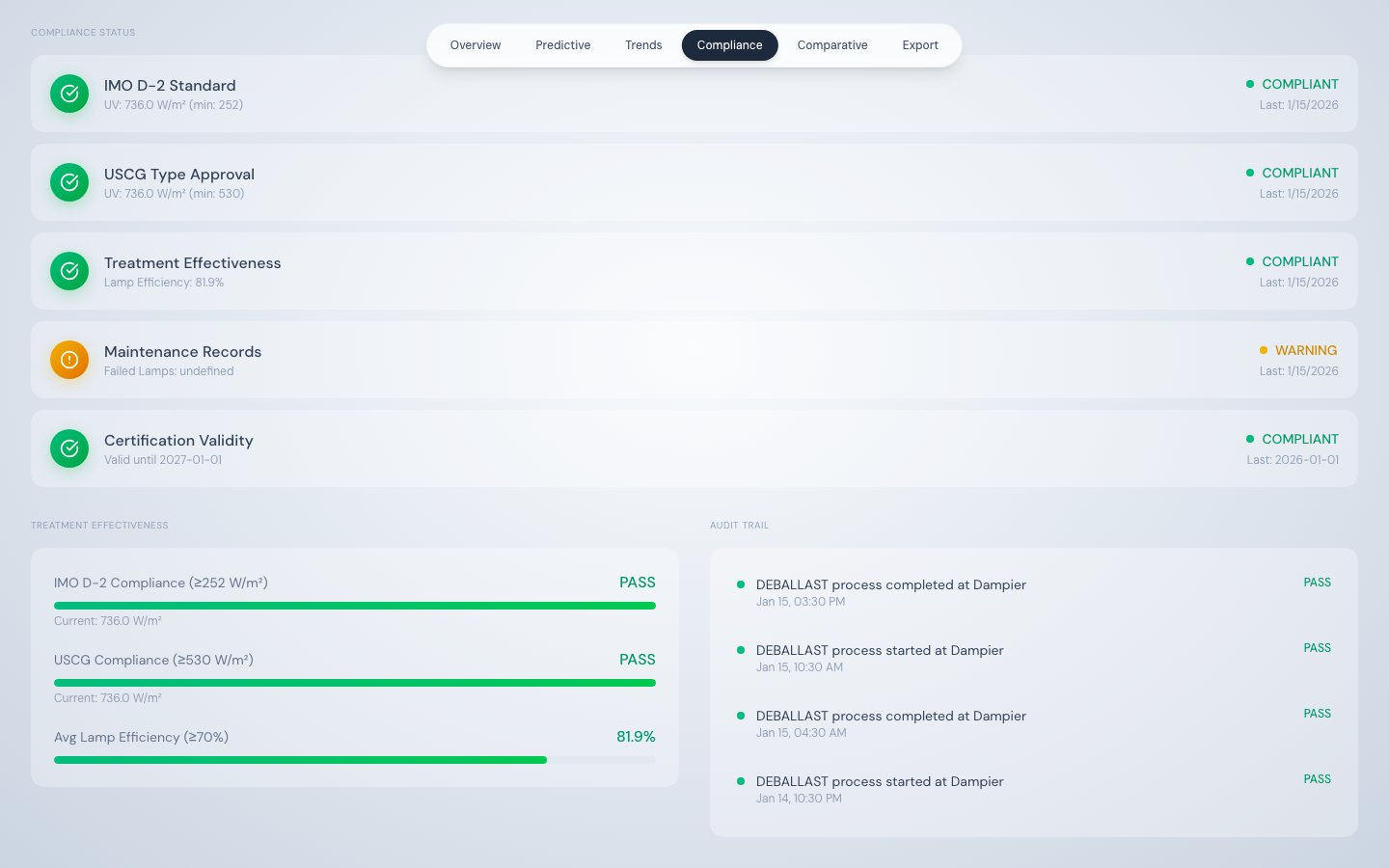
System event audit trail showing the last 8 process events
- Timestamp — UTC datetime of the event
- Event type and description — human-readable summary
- Result — PASS for process start/stop events, ALERT for alarm events